Is MacPacker free?+
Yes. MacPacker is completely free and open source under the GPL-3.0 license. There are no paid tiers, subscriptions, accounts, or in-app purchases — and no ads or tracking.
What file formats does MacPacker support?+
MacPacker opens 41 archive and disk-image formats, including ZIP, RAR, 7z, TAR (and tar.gz, tar.xz, tar.bz2), DMG, ISO, CAB, and more. ZIP archives can also be created, edited (add or delete files), and re-saved.
Does MacPacker work on Apple Silicon?+
Yes. MacPacker is a native Apple Silicon app built with Swift and SwiftUI, and runs on macOS 14 (Sonoma) and later on both Apple Silicon and Intel Macs.
How is MacPacker different from the built-in macOS Archive Utility?+
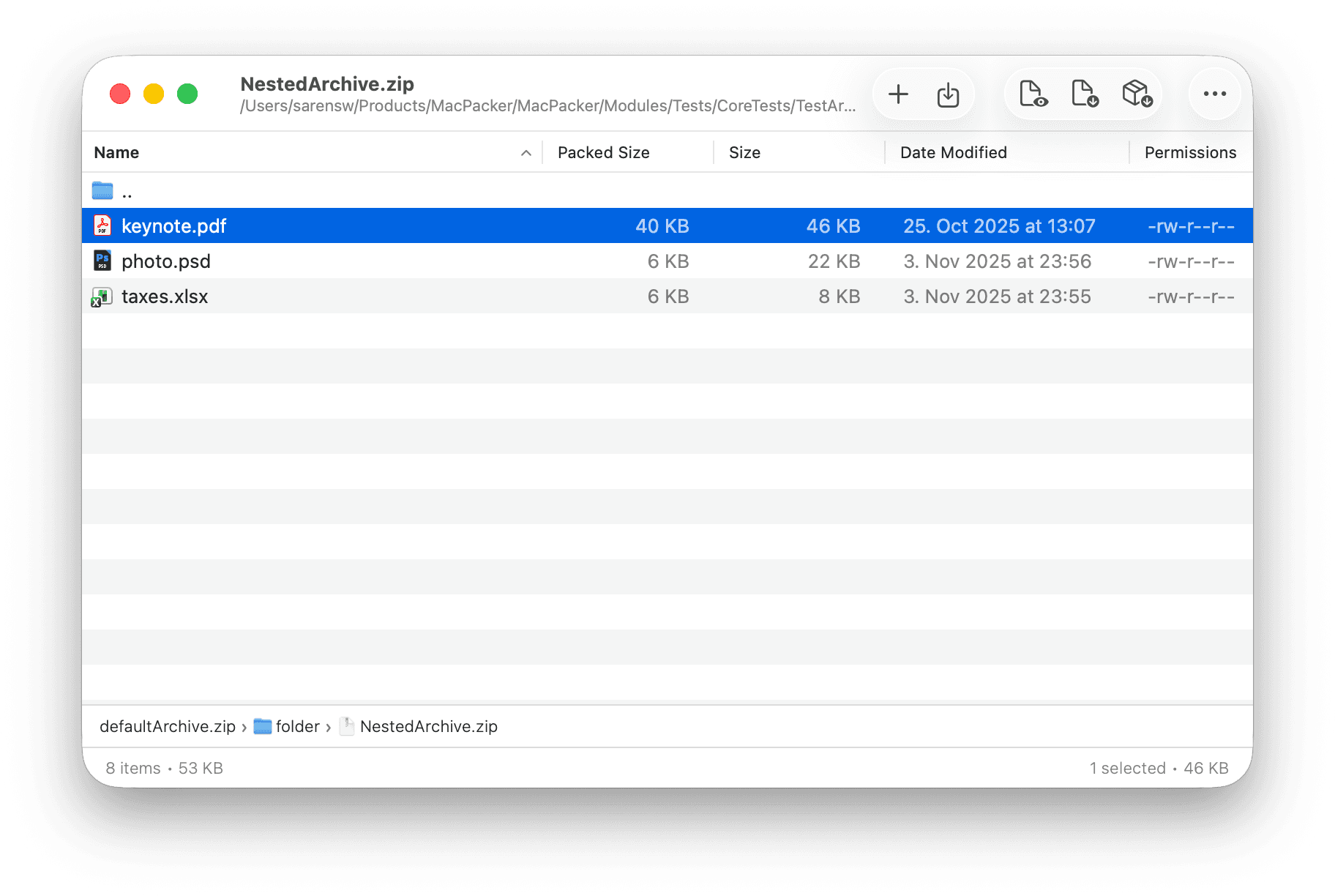
Archive Utility extracts an entire archive at once into a new folder. MacPacker lets you browse and preview an archive's contents first, open nested archives directly, and drag out only the files you need — without unpacking the whole thing.
How do I install MacPacker?+
Install it from the Mac App Store, with Homebrew (brew install --cask macpacker), or by downloading the .dmg or .zip directly from the site. Every option is free.
How is MacPacker different from The Unarchiver?+
The Unarchiver is an extraction tool: double-click an archive and it unpacks everything into a folder. MacPacker is an archive browser — it opens the archive like a Finder window, so you can preview files with Quick Look, step into nested archives, and drag out only the files you need. If you often want one file out of a big archive rather than all of it, that's the difference.
How is MacPacker different from Keka?+
Keka focuses on creating and extracting archives across many formats with strong compression options. MacPacker leads with looking inside archives before anything is extracted: browse contents, preview files, navigate nested archives, and pull out individual files — and as of 0.18 it also creates and edits ZIP archives. Both are open source; Keka still covers more formats for compression.
Is MacPacker safe to use?+
Yes. MacPacker is fully open source under GPL-3.0, so anyone can audit the code on GitHub, and it's distributed through the Mac App Store, Homebrew, and signed, notarized builds. It collects no data — archives never leave your Mac.
Can MacPacker create archives?+
Yes — for ZIP. As of version 0.18, MacPacker can create new ZIP archives from scratch, add or delete files in an existing ZIP and save, and compress files and folders to ZIP straight from Finder. It started as a browser and extractor, and write support for more formats is being developed in the open on GitHub.