Press & Media Kit
Everything you need to write about MacPacker.
Boilerplate, facts, brand assets, and screenshots — ready to paste. Updated for every release, in English and 中文.
Icon, screenshots, fact sheet, and boilerplate · localized text, shared visuals.
At a glance
Fact sheet
- Name
- MacPacker
- Developer
- Stephan Arenswald
- Price
- Free
- License
- GPL-3.0
- Platform
- macOS 14+ · Apple Silicon native
- Built with
- Swift / SwiftUI
- Version
- v1.0.0
- Category
- Utilities / Developer Tools
- Formats
- 41 supported
- Languages
- App in 13 · site in EN, 中文
- Website
- macpacker.app
Copy & paste
Boilerplate
Approved descriptions in two lengths. Click to copy the current language.
MacPacker is a free, open-source archive manager for macOS. It lets users browse and preview the contents of an archive without extracting it, open nested archives directly, and extract individual files rather than the whole archive. It can also create and edit ZIP archives.
MacPacker is a free, open-source archive manager for macOS, written in Swift and SwiftUI. It lets users browse and preview the contents of an archive without extracting it, open nested archives (archives stored inside other archives) directly, and extract individual files instead of the entire archive. ZIP archives can also be created from scratch, edited by adding or deleting files, and re-saved, and files can be compressed to ZIP directly from Finder. MacPacker supports 41 formats, including ZIP, RAR, 7z, TAR, DMG, and ISO. It runs on macOS 14 and later and is released under the GPL-3.0 license.
Features
Capabilities
Browse without extracting
An archive's contents, including file names, sizes, and folder structure, can be viewed without extracting it.
Nested archives
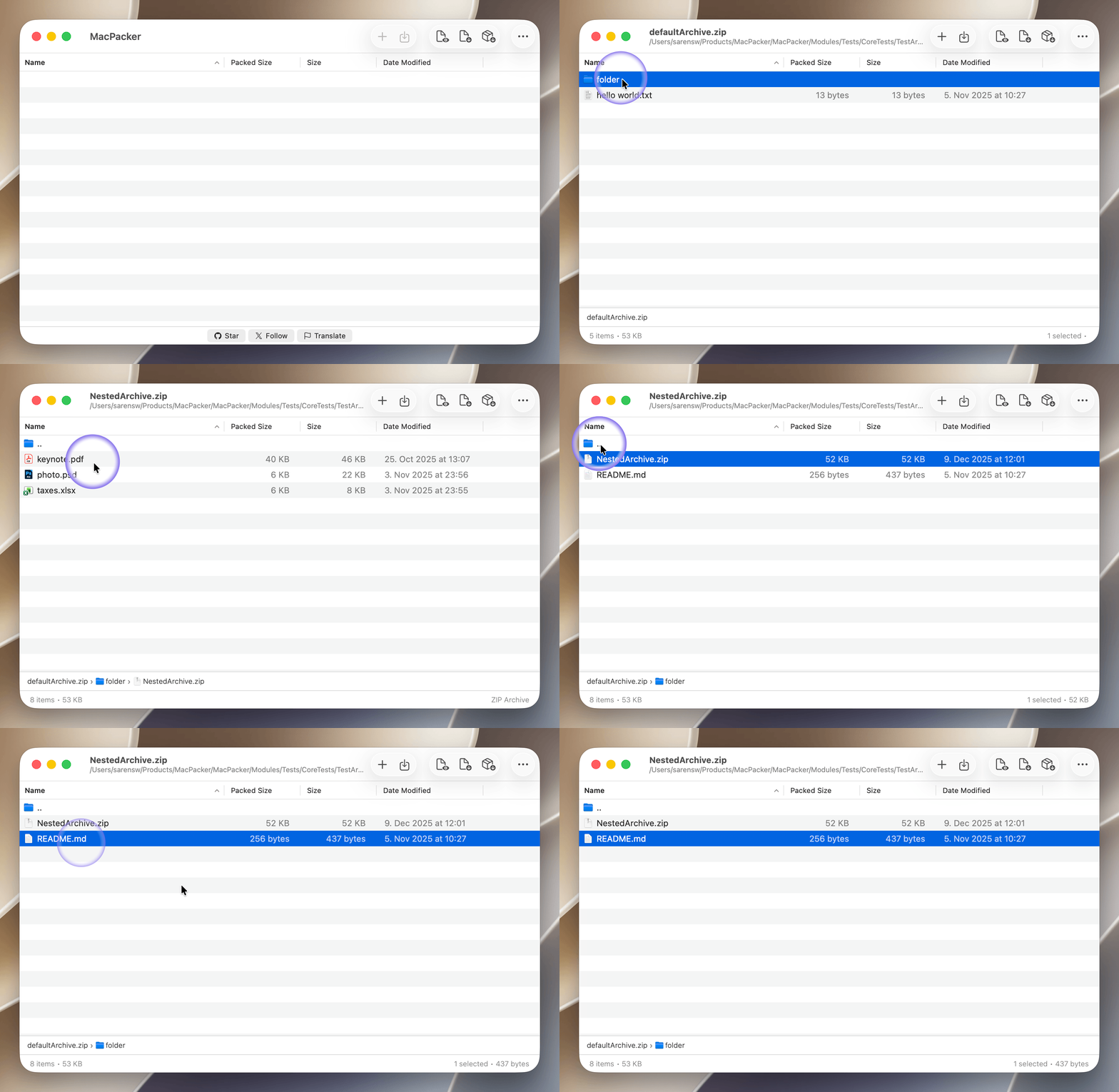
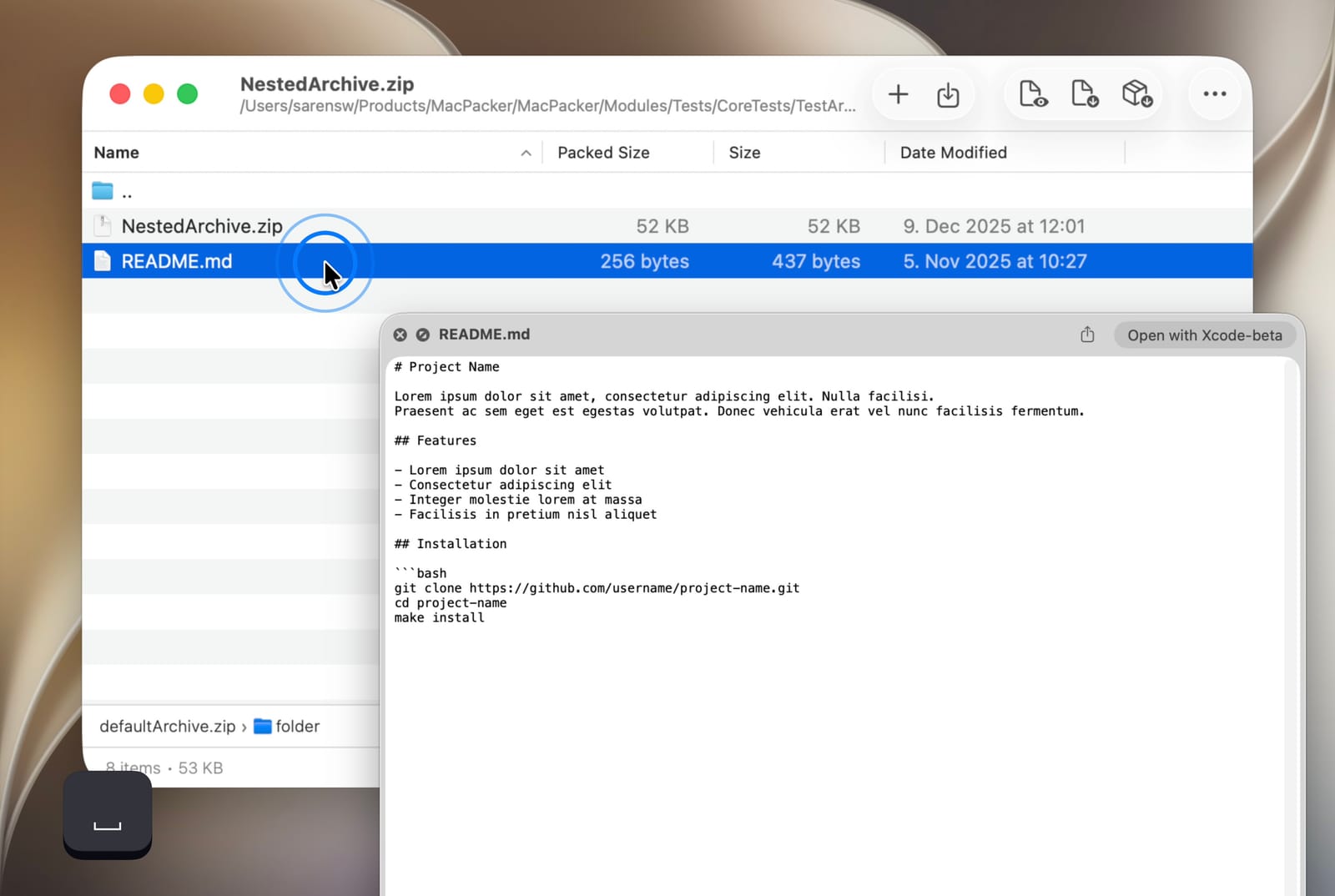
Archives stored inside other archives can be opened directly, without extracting the outer one first.
Selective extraction
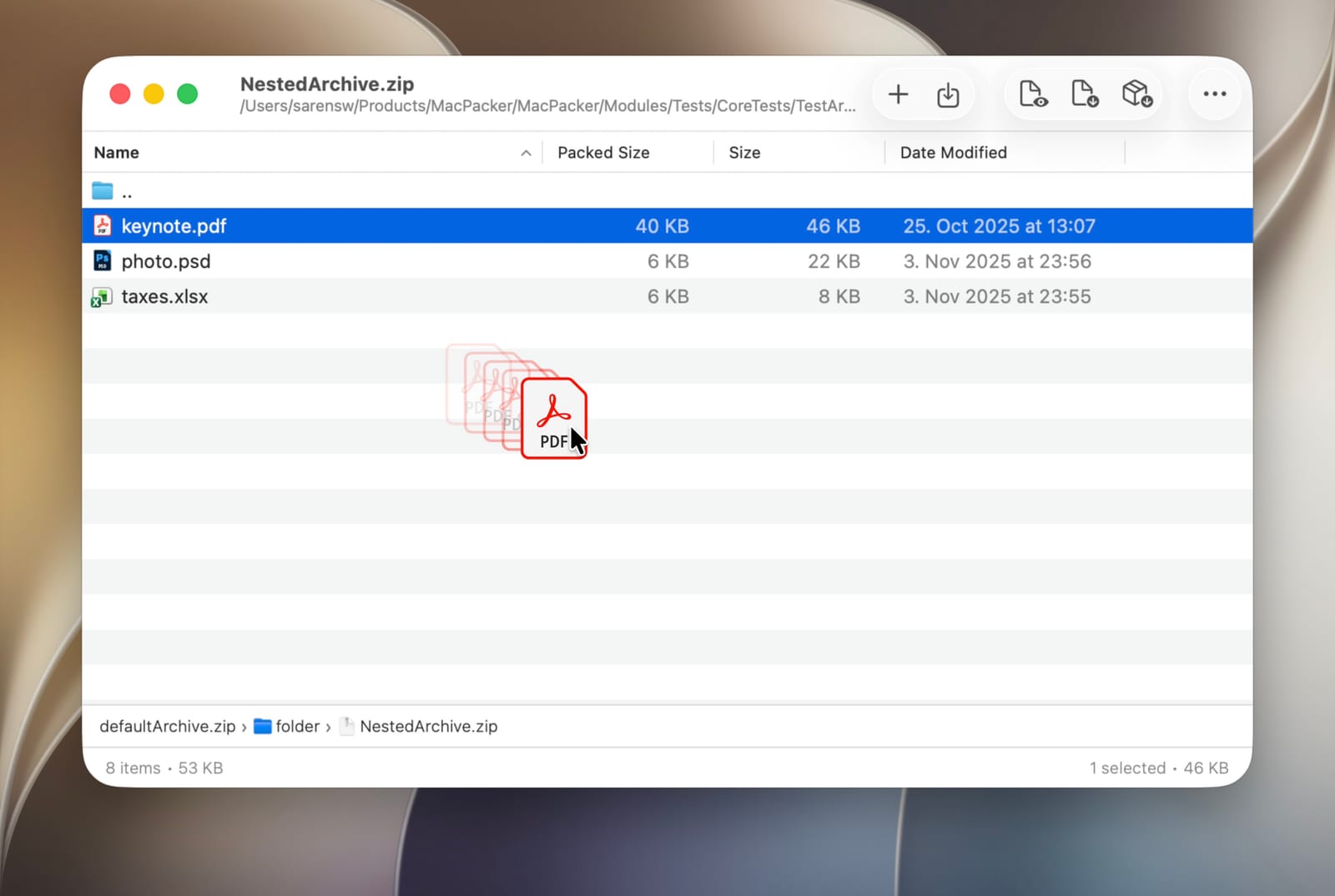
Individual files or folders can be extracted instead of the entire archive.
Create & edit ZIP archives
New ZIP archives can be created from scratch, and files can be added to or deleted from an existing ZIP and saved. Files and folders can also be compressed to ZIP from Finder. Write support currently applies to ZIP only.
Scope
What it is, and what it will become
- Opens, browses, and previews archives across 41 formats
- Extracts individual files instead of the whole archive
- Creates and edits ZIP archives — add or delete files, then save (new in 0.18)
- Compresses files and folders to ZIP straight from Finder
- Write support for more formats than ZIP
- Richer editing — rename, reorder, and more
- Growing into a full general-purpose archive manager
ZIP write support — in-place editing in 0.15, then full creation and add/delete in 0.18 — is the foundation for general archive creation and management. More will follow, format by format.
Supported formats
41 formats, one app
Brand assets
Icon & screenshots
Language-neutral — the same files ship in every locale.

Demo
Drilling into a nested archive and extracting selected files.
Screenshots
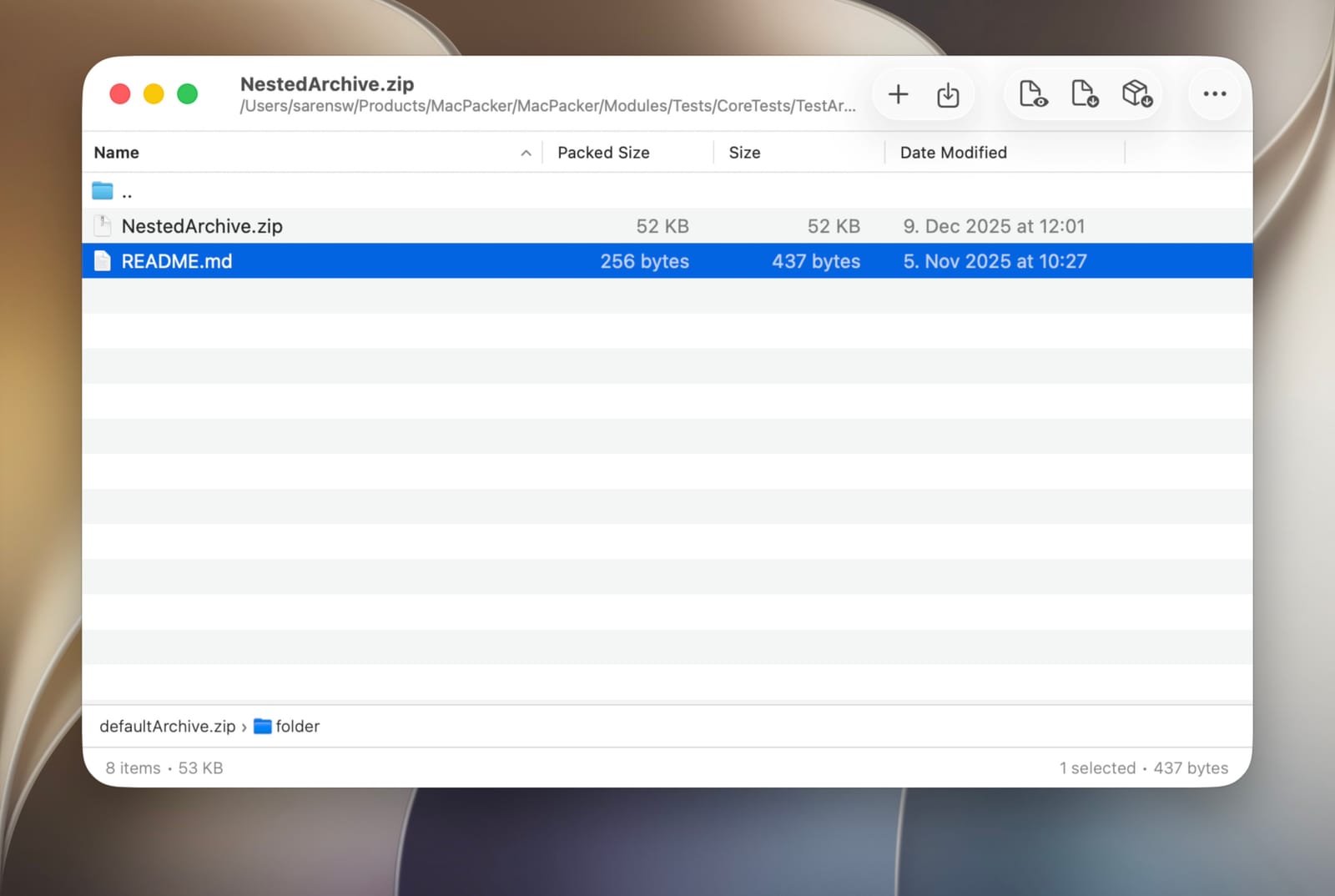
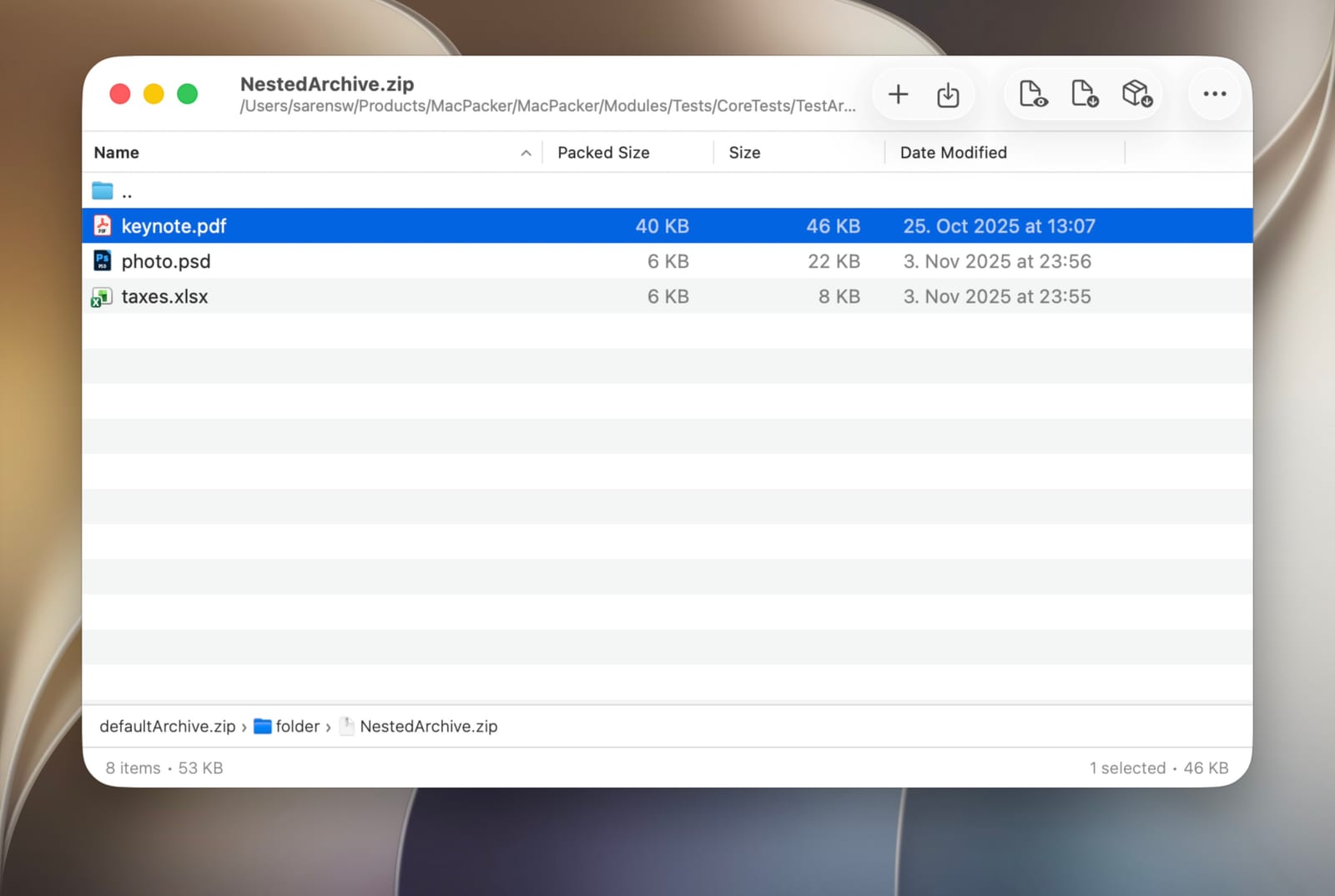
Localized sets for EN + 中文 · English fallback for other languages.
Brand guidelines
Color & type
MacPacker's interface uses native macOS controls (SwiftUI / AppKit) with no custom theme. Its colors come from the app icon and the page background.
Typeface: the native macOS system font (SF Pro / -apple-system). The website uses the same system sans stack.
Clear space ≥ icon height. Don't recolor, rotate, or restyle the icon.
Press & usage permission
You're welcome to use the MacPacker name, icon, and screenshots in articles, reviews, and videos about the app. Please don't modify the icon, or imply endorsement of unrelated products.
Get in touch